


QX-Motor
ZMR GPS Speed Detector Speedometer for RC Airplane Drone Car Outdoor Moving Objects Piggyback Speed Measurement
ZMR GPS Speed Detector Speedometer for RC Airplane Drone Car Outdoor Moving Objects Piggyback Speed Measurement
Regular price
$53.30 USD
Regular price
Sale price
$53.30 USD
Unit price
per
Couldn't load pickup availability
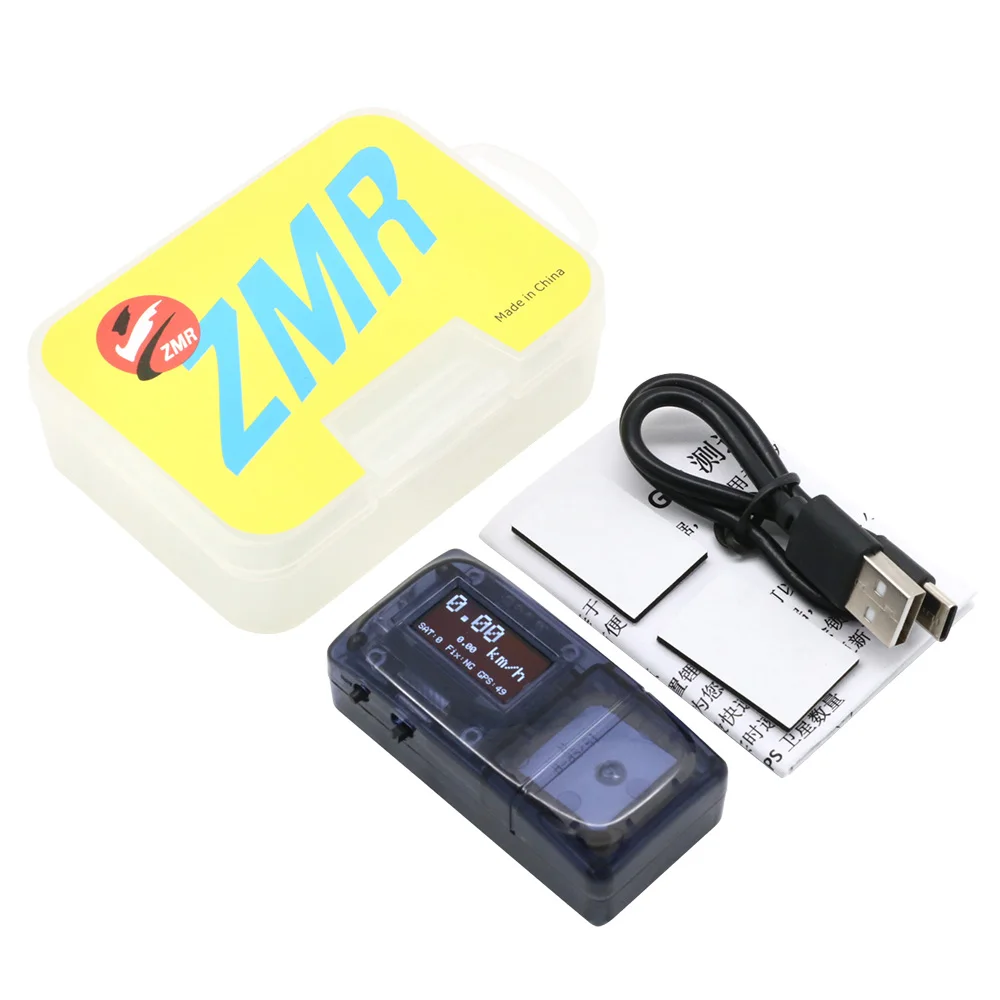
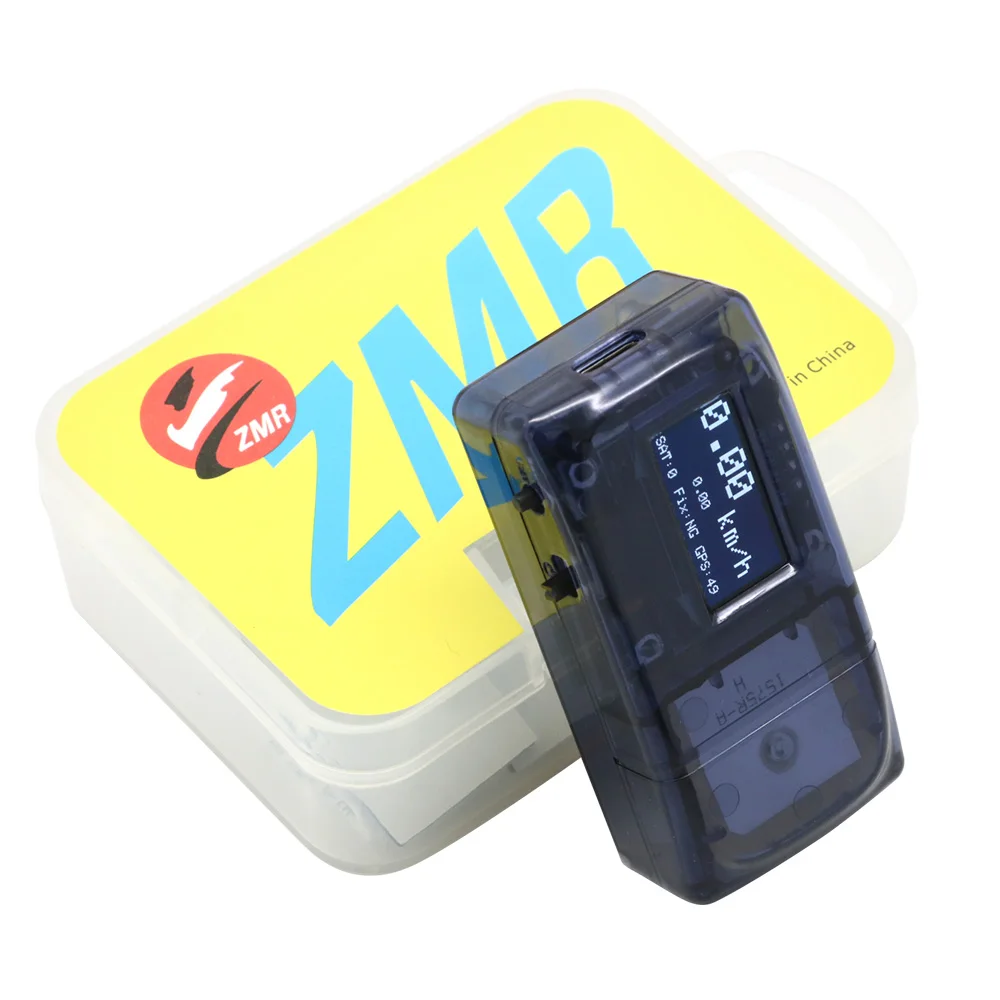
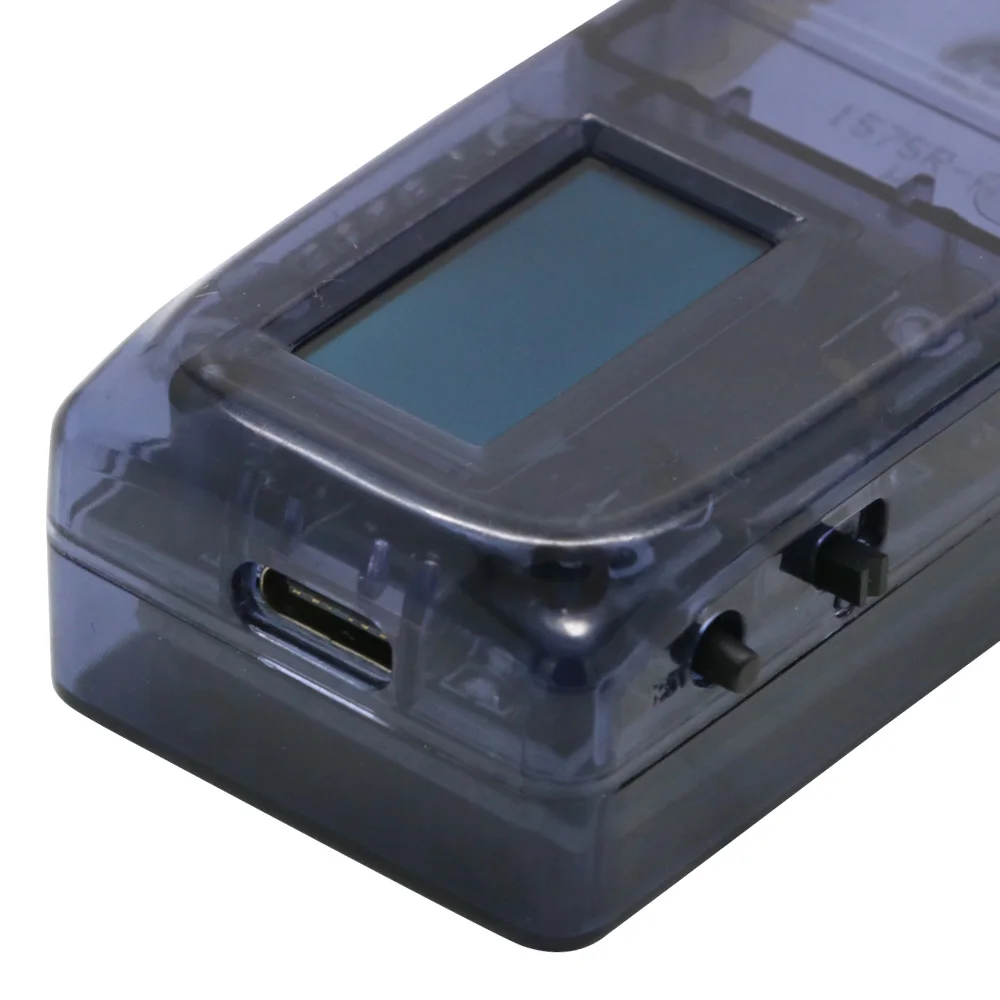
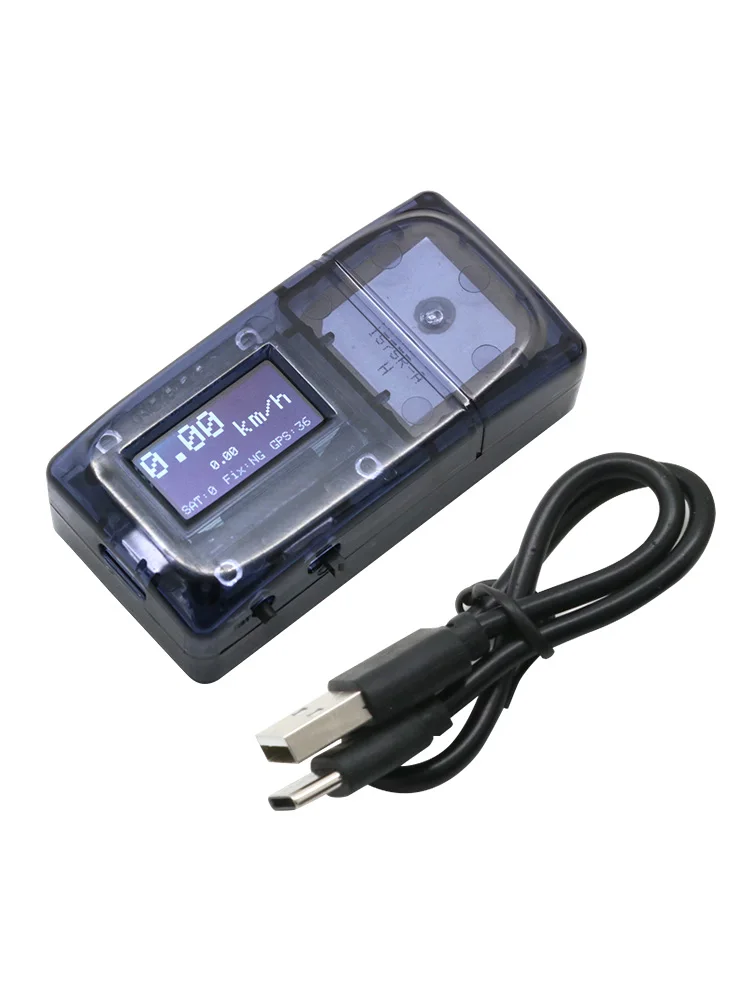
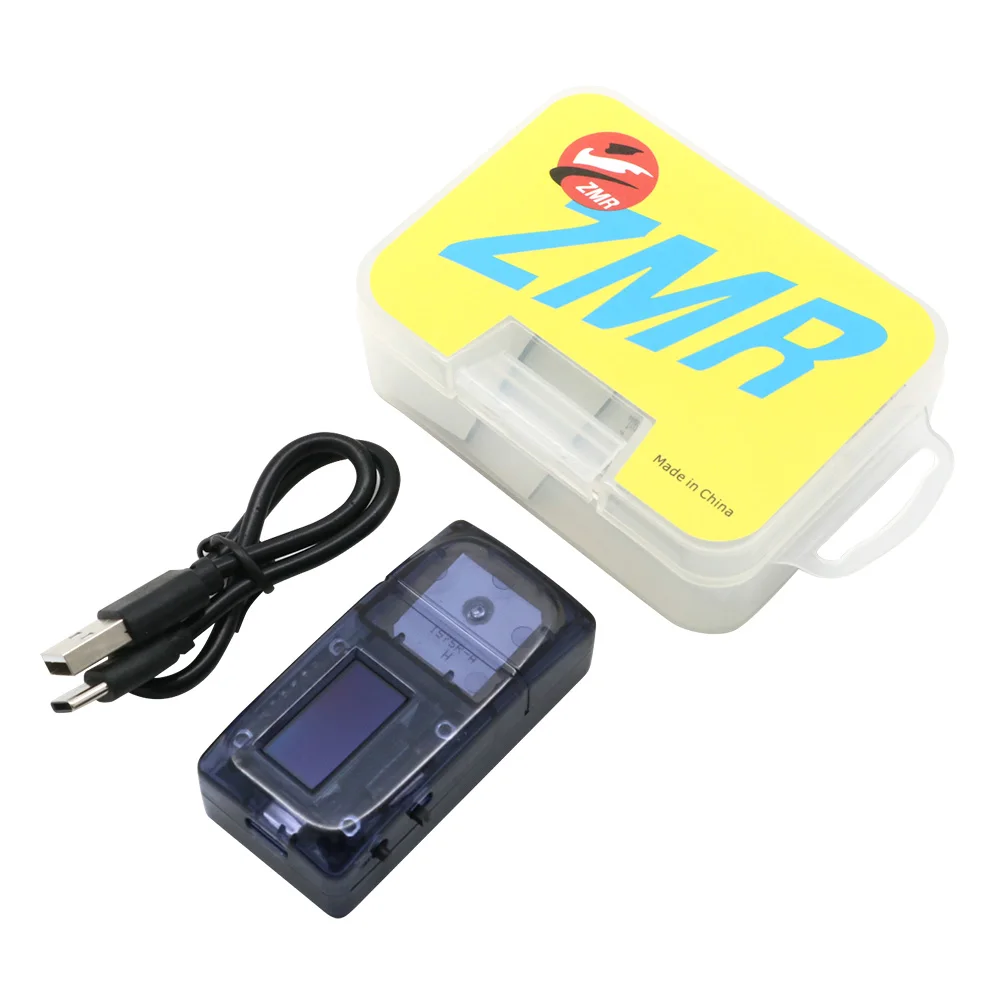
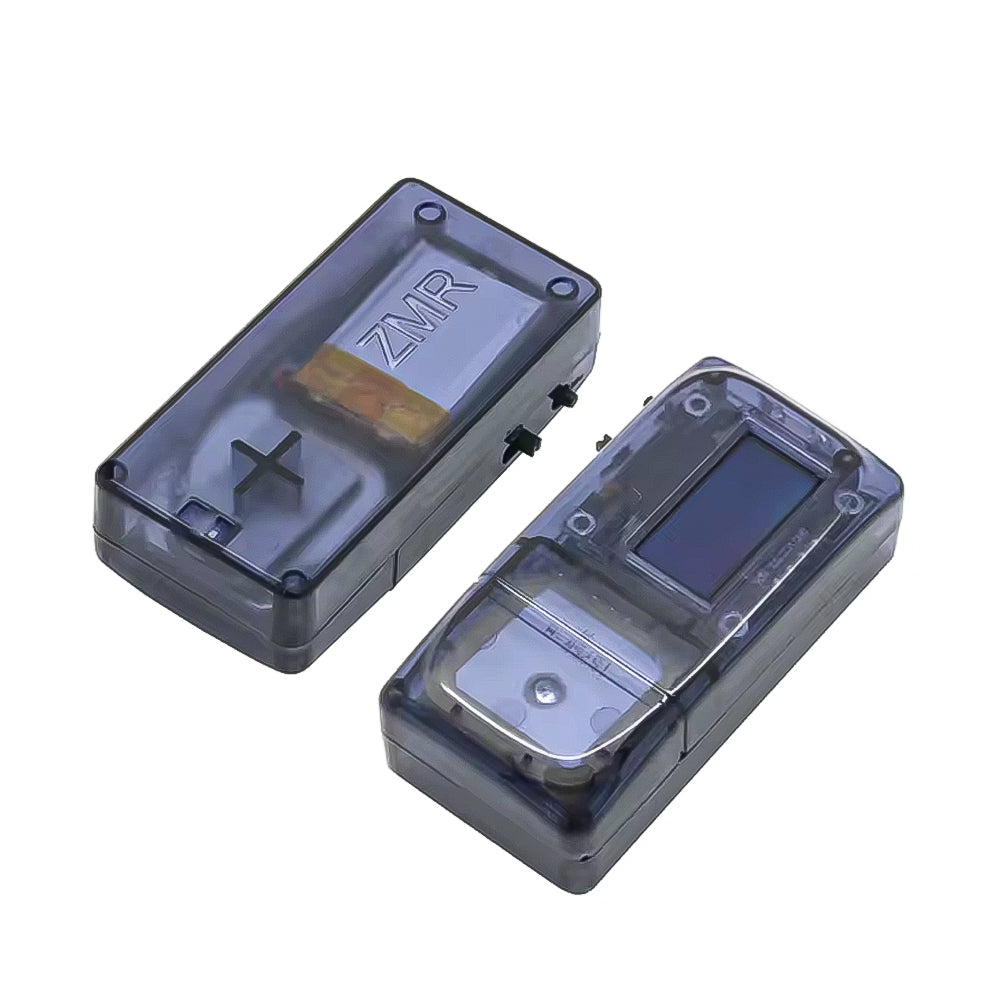
The product is based on GPS module data, mainly used for outdoor moving objects piggyback speed measurement, wide range of application scenarios, simple operation, easy to use.
Product Features:
1. This product has built-in lithium battery, full charge can be used continuously for 4 hours.
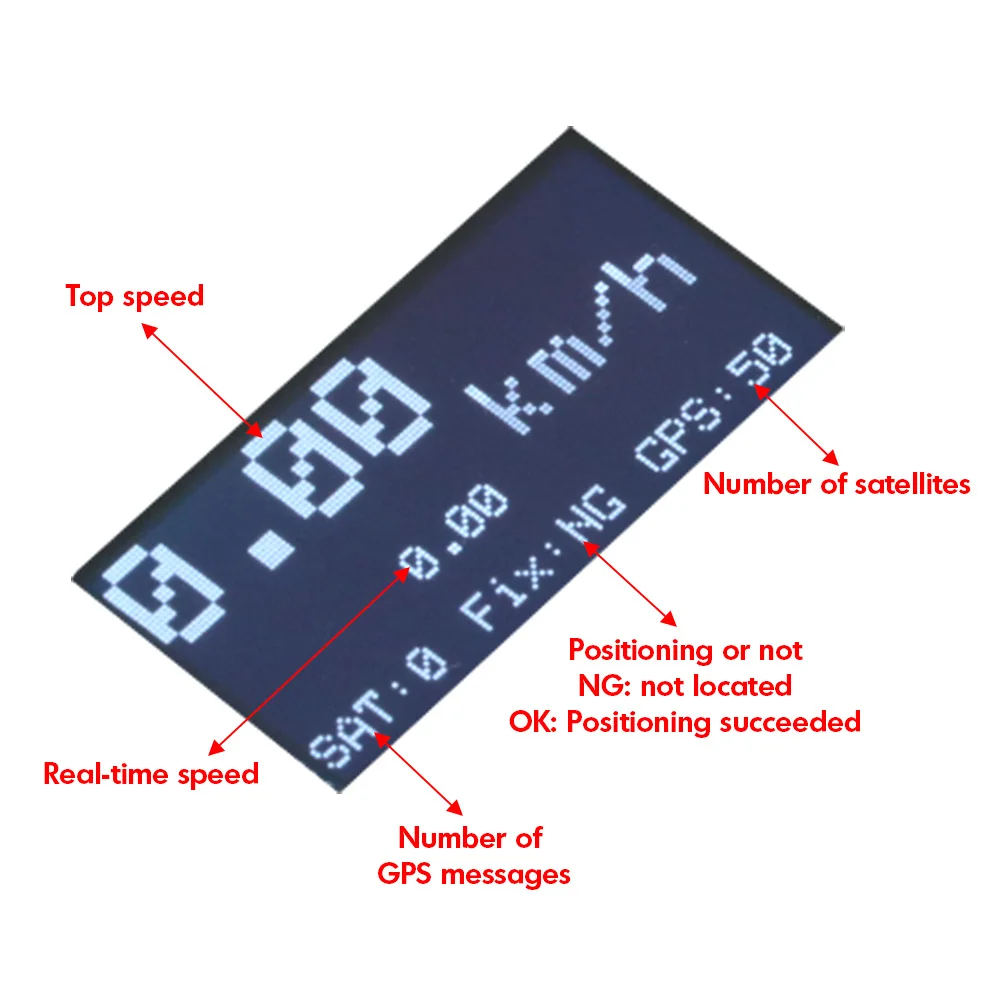
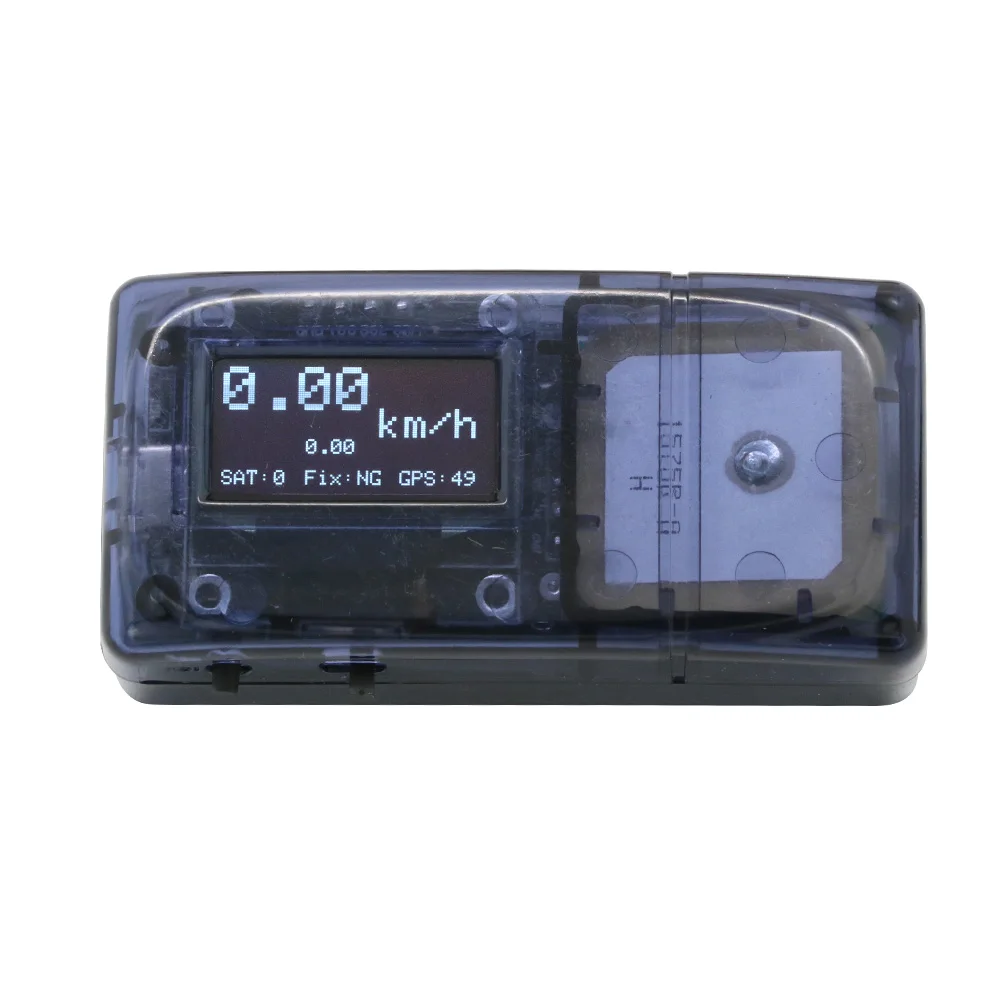
2. This product can provide you with the following data.
(1) the fastest speed (data will be locked)
(2) Real-time speed (real-time update)
(3) The number of GPS satellites
(4) The number of GPS messages
Product Specifications:
Size:67x33x21mm
Weight:43.5g
Use method:
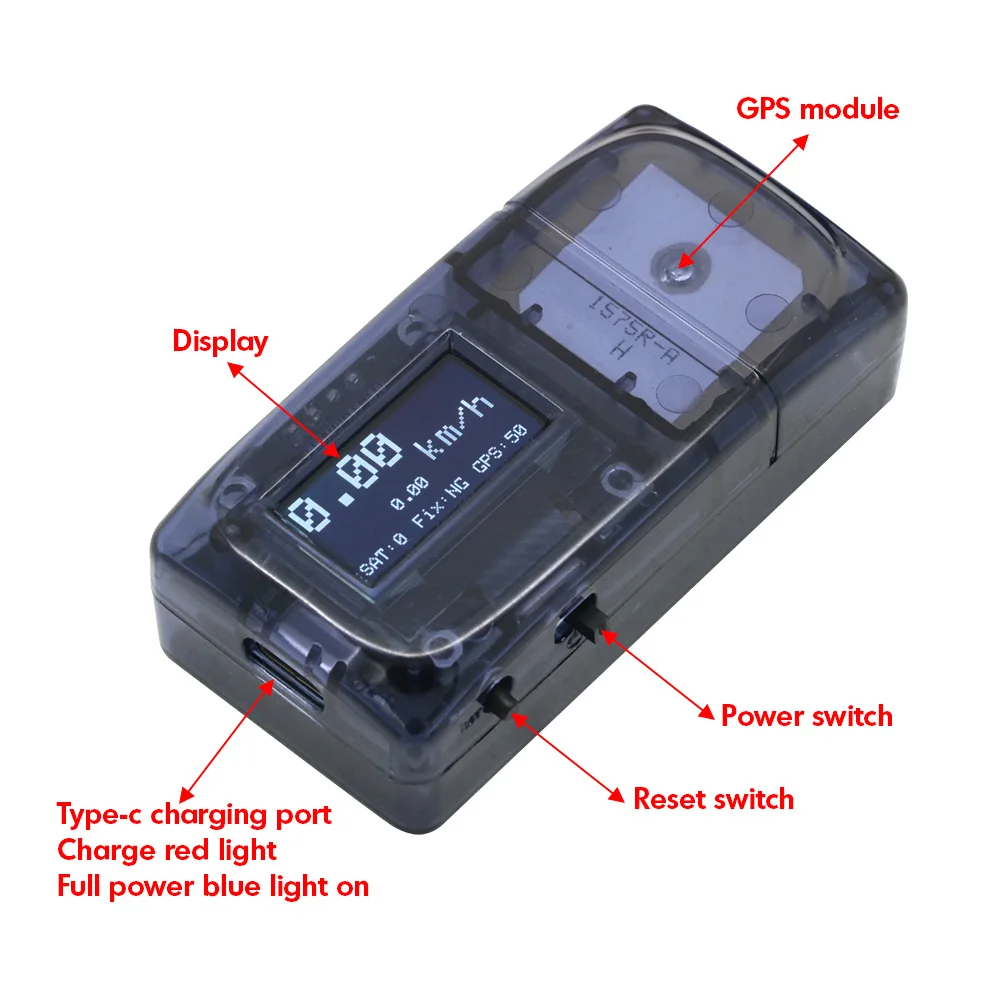
1. The speedometer placed in the test object, installed firmly, GPS module up, and can not have metal objects to block, turn on the power switch, wait for the GPS star search, when the number of satellites reached 7 or more, that can start speed measurement. When the number of satellites reaches 7 or more, you can start to measure the speed. The first time you search for a new place, you need to wait for more than 3 minutes. (The more the number of satellites, the more accurate the test data)
2. The product is equipped with type-c charging interface, red light on when charging, blue light on when fully charged.
3. About the use of the reset button. There are two methods of data reset as follows.
This product does not have data storage function, when the second speed measurement need to reset the data, based on the characteristics of the GPS will appear data drift and other phenomena, the data will not be zero after clearing, in addition to the device began to work after the power on, the instantaneous movement, will also lead to changes in data.
(1) After the speed measurement, please turn off the computer and wait for about 1 minute, wait for the data to become single digits, then you can measure the speed again.
(2) After the speed measurement, first turn off the computer, short press the reset button several times, then turn on the computer, wait for the data to become single digits, that is, you can test the speed again.

Materials
Materials
Shipping & Returns
Shipping & Returns
Dimensions
Dimensions
Care Instructions
Care Instructions


-
Free Shipping
Pair text with an image to focus on your chosen product, collection, or blog post. Add details on availability, style, or even provide a review.
-
Hassle-Free Exchanges
Pair text with an image to focus on your chosen product, collection, or blog post. Add details on availability, style, or even provide a review.